
Step 1 — Start
Go to the official website: https://eratrade.net/. Click the “Login / Start” button to open the registration page.
Step 2 — Create an Account
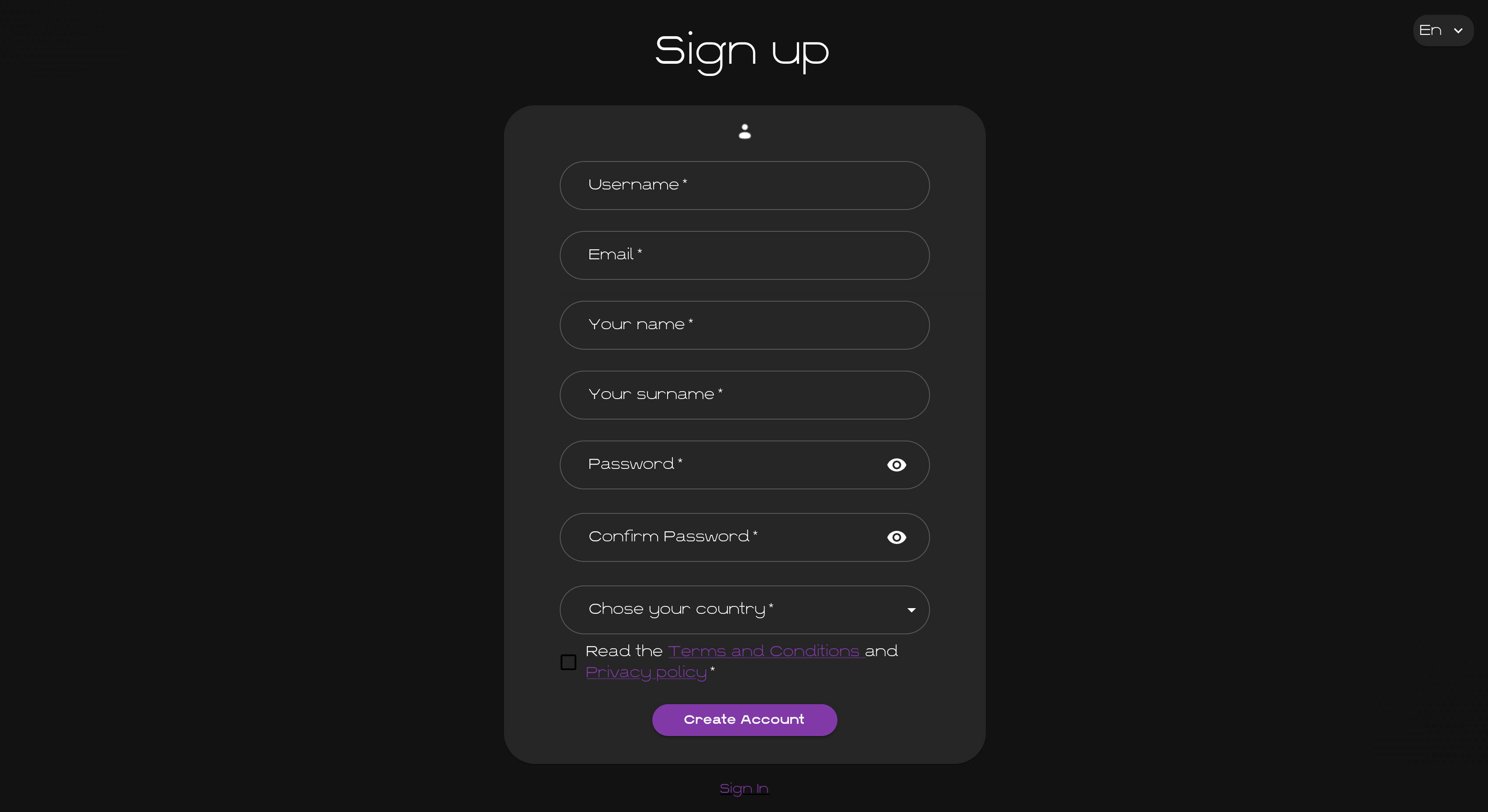
Fill in the registration form and click “Create account” to proceed to the next step.
Step 3 — Dashboard
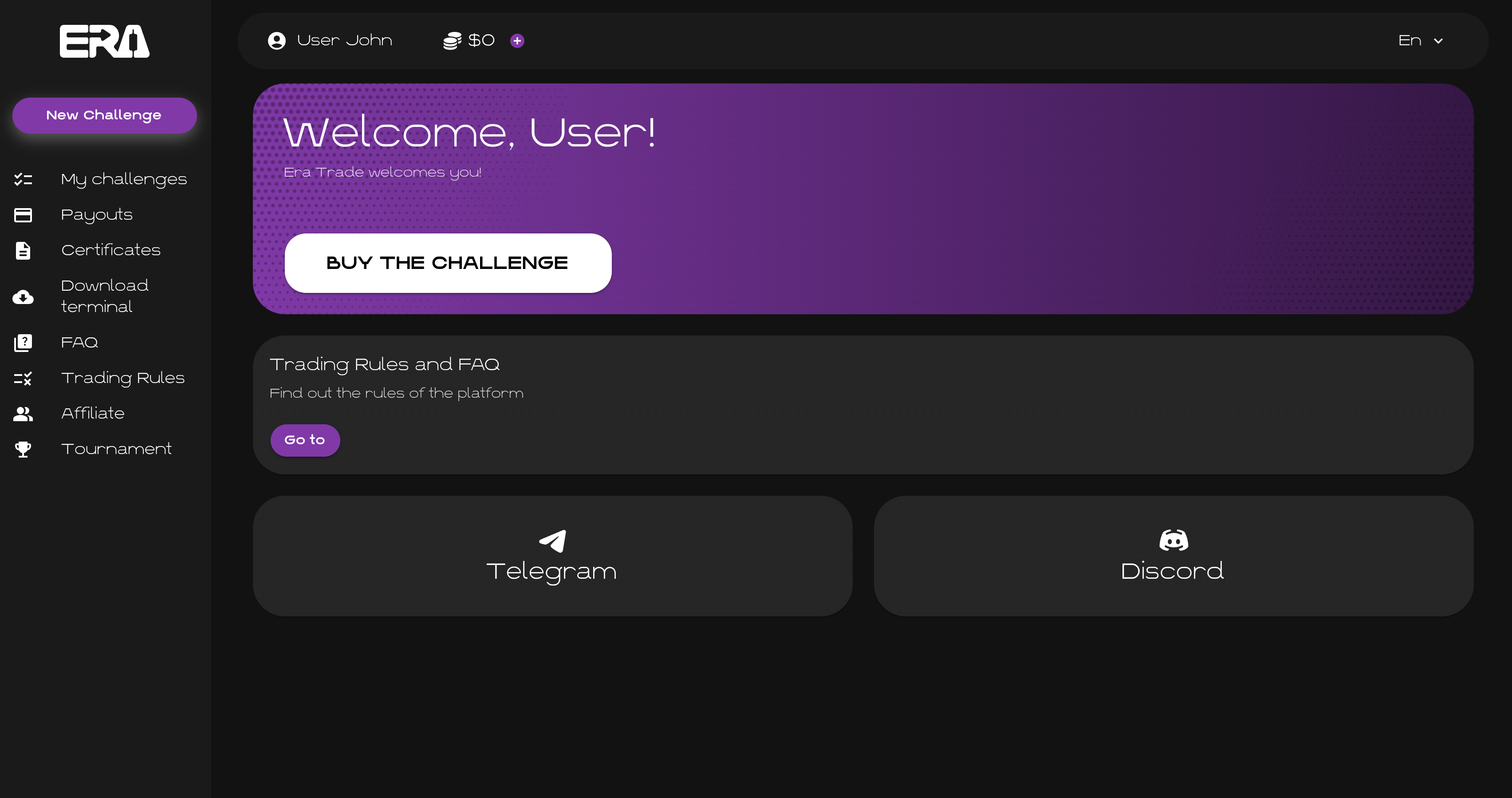
After logging in, you will be taken to the Dashboard — the main page of your personal account. Here you can manage challenges, trading rules, certificates, payouts and account settings.
Step 4 — Start a New Challenge
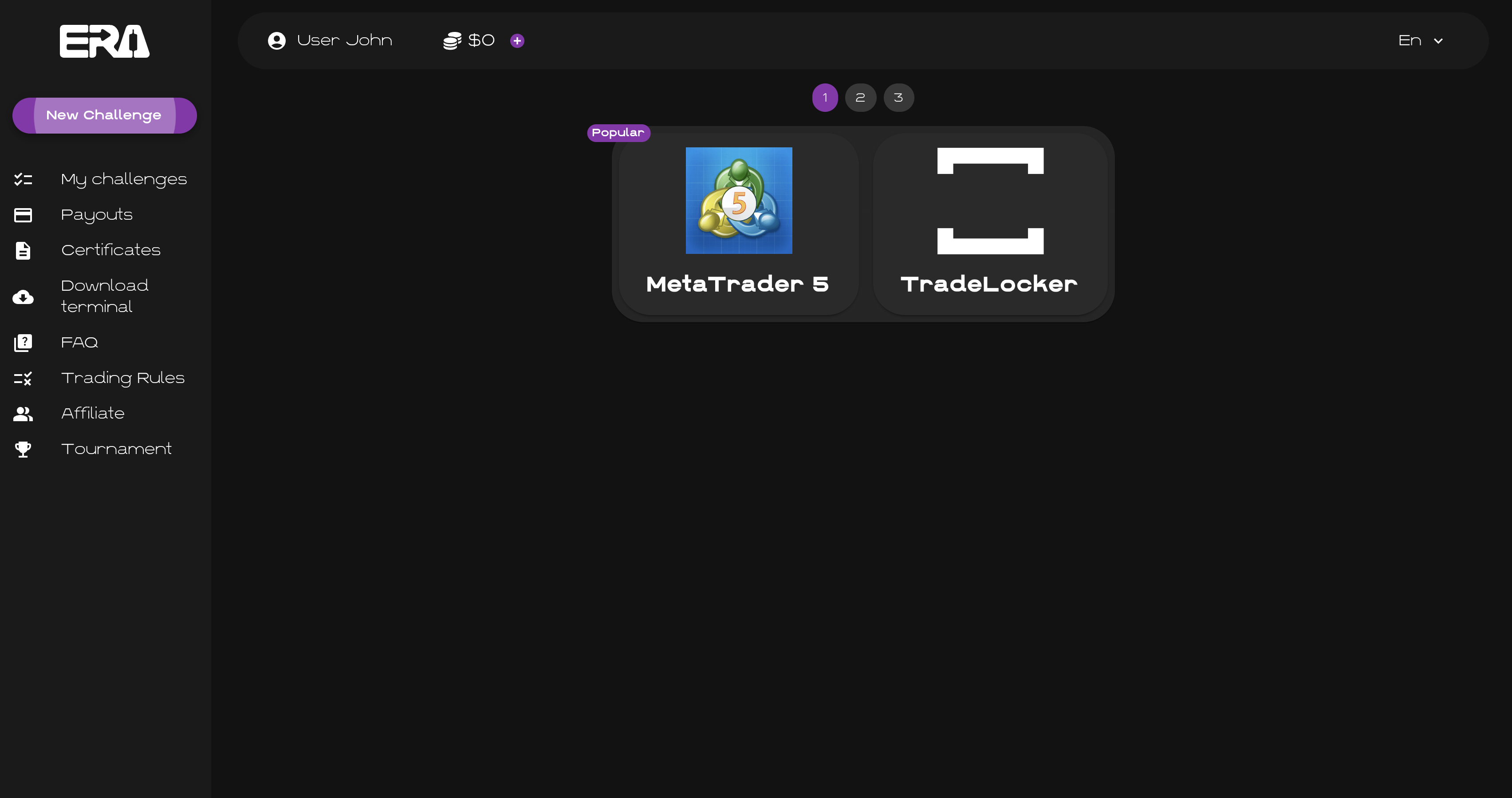
Click the “New challenge” button and select a trading terminal. For more information about terminals, see: Trading Platforms.
Step 5 — Choose a Challenge
Select the challenge type, number of stages and account size. The current account sizes available for new purchases are: $10,000, $25,000, $50,000, $100,000 and $200,000.
For more information about challenge types and rules, see: Evaluation Models.
Step 6 — Payment
Select a payment method, enter a promo code if you have one, check the final amount on the payment page and click “Buy Challenge”. The final amount may depend on the selected account size and active promotions.
Step 7 — Purchase
Send the exact USDT amount shown by the platform to the provided wallet address, or scan the QR code on the screen.
How to Send USDT From Your Wallet
- Copy the deposit address provided by the platform.
- Select the exact network shown on the payment page.
- Enter the exact amount shown by the platform.
- Make sure you have enough balance for both the transfer and the network fee.
- Click “Withdraw” or “Send” to complete the transfer.
Important: use only the network shown on the payment page, send the exact amount and double-check the address before sending.
Step 8 — My Challenges
After a successful payment, open the “My Challenges” section in the left-hand menu. All your active and inactive challenges will be displayed there.
Step 9 — Start Trading
Once your payment is confirmed, you will receive the login and password for your trading account. Open the “Download Terminal” section, download your selected trading platform, log in using your credentials and start trading.
Before you start, make sure you understand the trading rules and the associated risks.